
Competing bids
Workers name their own price and the time they can be there, so you compare real offers rather than rate cards.
Post what needs doing, see what people will do it for, and release the money once it is done.
What you get
Workers name their own price and the time they can be there, so you compare real offers rather than rate cards.
The amount leaves your wallet and is locked against the job before anyone is assigned. It is released when the job is completed.
If the work is not what was agreed, raising a dispute freezes the job. An administrator reviews it, and resolving it does not move money on its own.
Companies verify with company documents and director identity; individuals verify as themselves. The requirements differ because the risk does.
Getting started
Install the app, choose the employer role, then whether you hire as a person or a company.
Submit the documents for your account type. You can do this later, but a job cannot be funded until it is done.
Add funds to your wallet in the app, then post your first job.
In the app
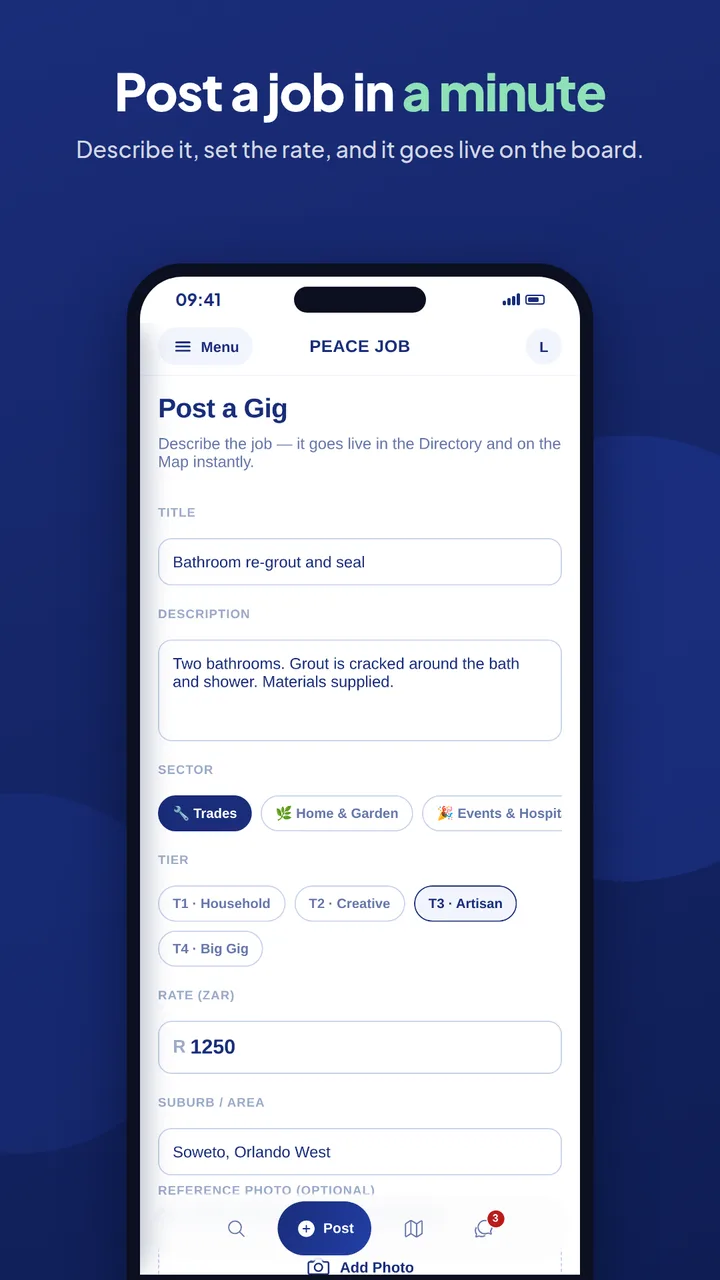
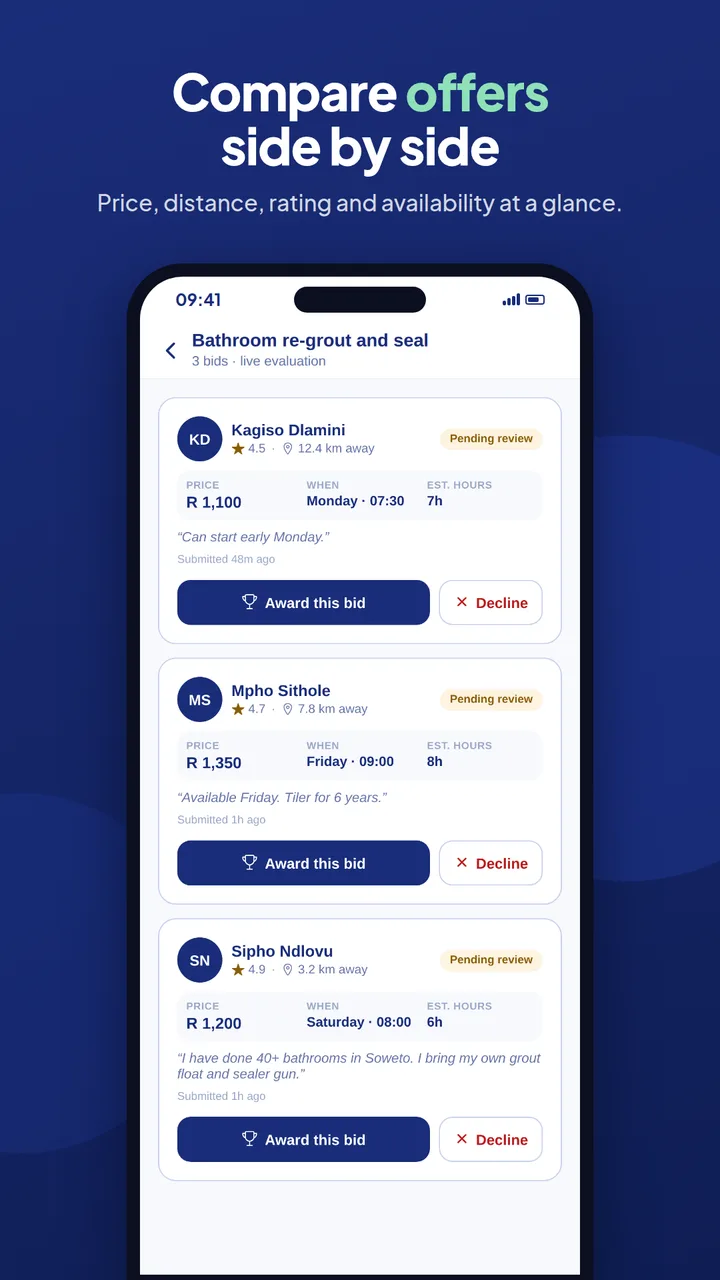
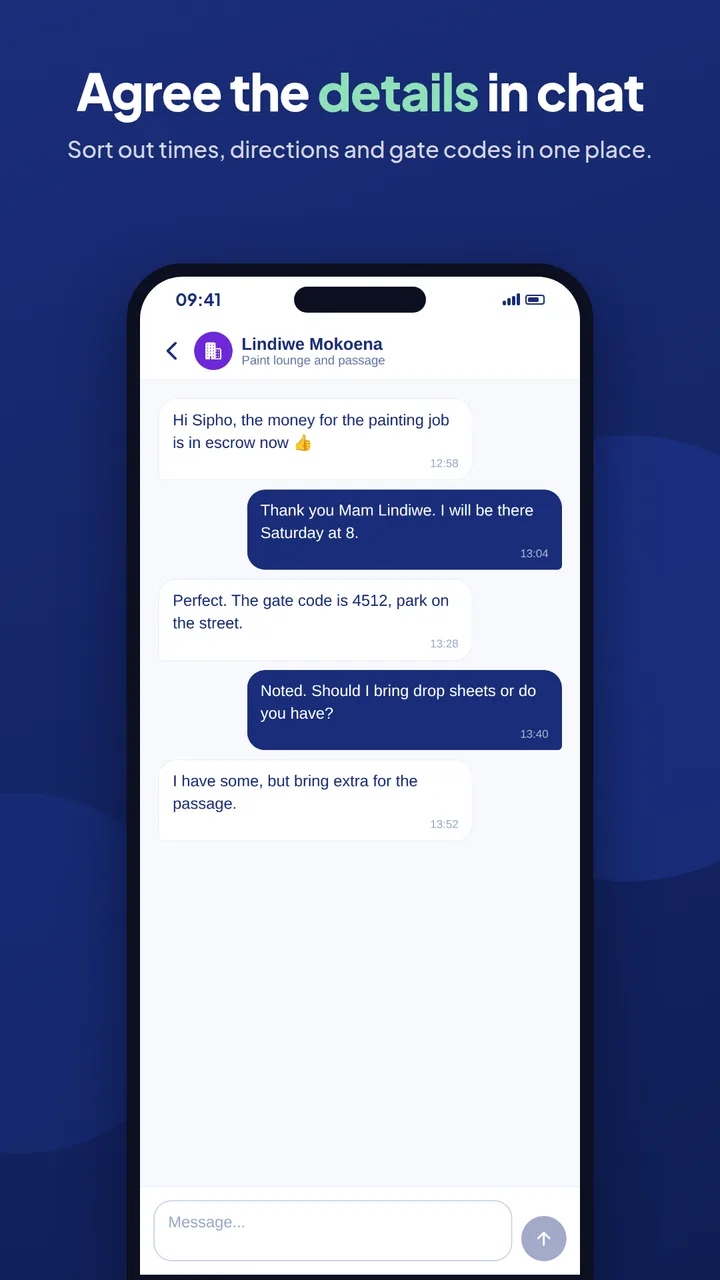
Posting, reviewing bids, funding and awarding all happen in the PeaceJob app.
The PeaceJob app is coming soon to Google Play and the App Store.